Awk && Sed: Bash Command-line file Editing and Processing

#90 Days DevOps Challenge#Zero To Hero#Day8 💻 Challenge Accepted with #tws by Shubham Londhe 👨🏫

Objective
Awk and sed are command-line tools that provide tremendous power for managing and manipulating text files of arbitrary size, from very small to extremely large.
awk
awk is one of the most powerful utilities used in the unix world. Whenever it comes to text parsing, sed and awk do some unbelievable things. In this first article on awk, we will see the basic usage of awk.
The syntax of awk is:
awk 'pattern{action}' file
where the pattern indicates the pattern or the condition on which the action is to be executed for every line matching the pattern. In case of a pattern not being present, the action will be executed for every line of the file. In case of the action part not being present, the default action of printing the line will be done. Let us see some examples:
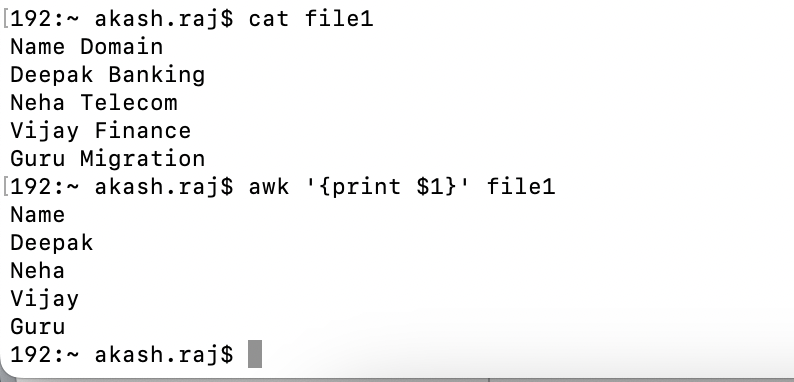
✍ To print only the names present in the file:
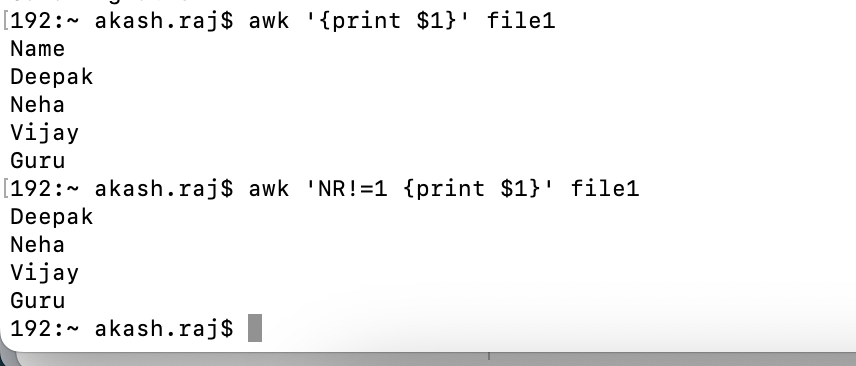
✍ omit the header record
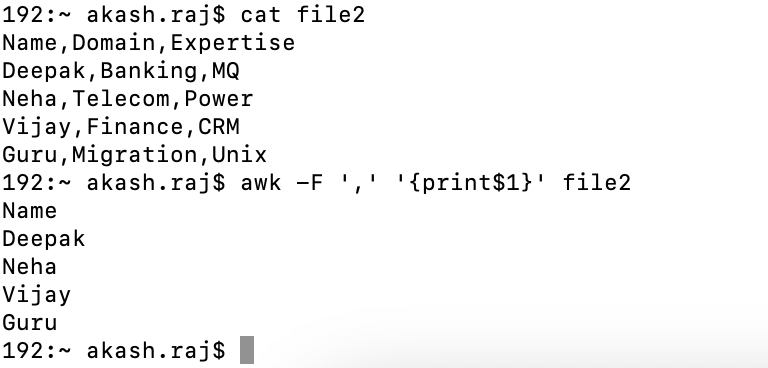
✍ a file with a delimiter, print the first column
The delimiter used here is a comma.
✍ Match a pattern in a file,

sed
sed is one of the most important editors we use in UNIX. It supports lot of file editing tasks. In this article, we will see a specific set of sed options.
✍ To add something to the beginning of a every line in a file
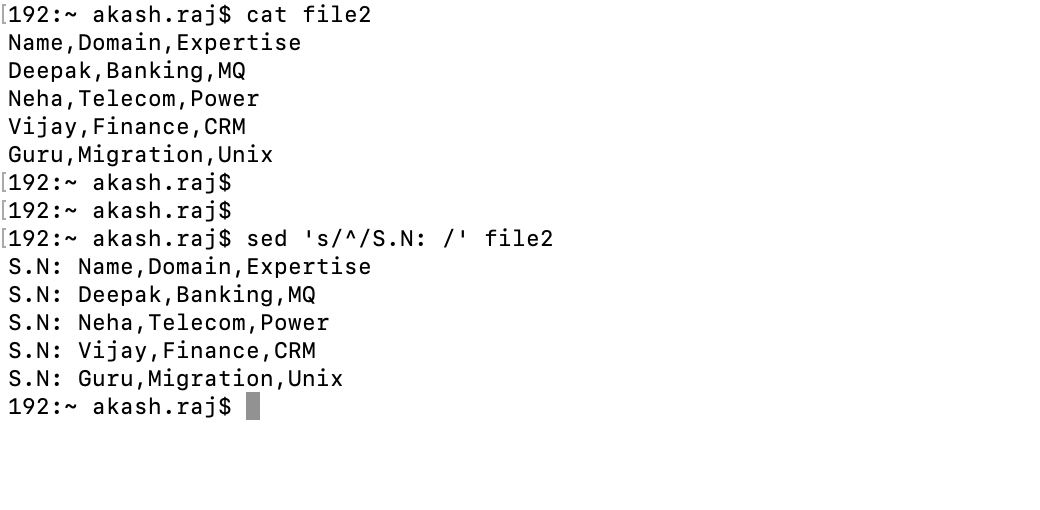
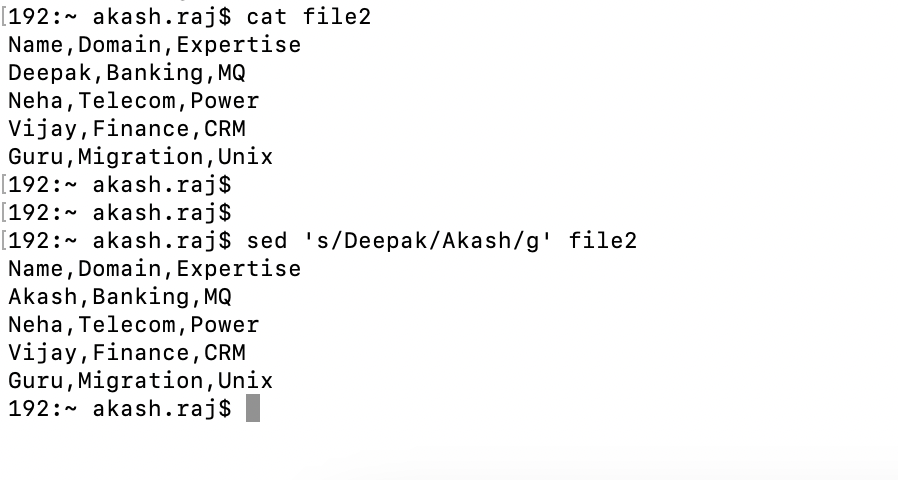
✍ replace or substitute